Flexible Plans for Every Racer
Choose the level of engineering that fits your career. No hidden fees, just pure data.
Secure payments via







Includes :
- Track lap times
- Auto-import all game data
- All session data: lap history, tyre stints, classifications & more
- All seasons data: Grand Prix results & standings
- Analytics
- Lap telemetry data: speed, time delta, gear, etc.
Engineering for the Elite
Every tool you need to dissect your performance and dominate the grid.
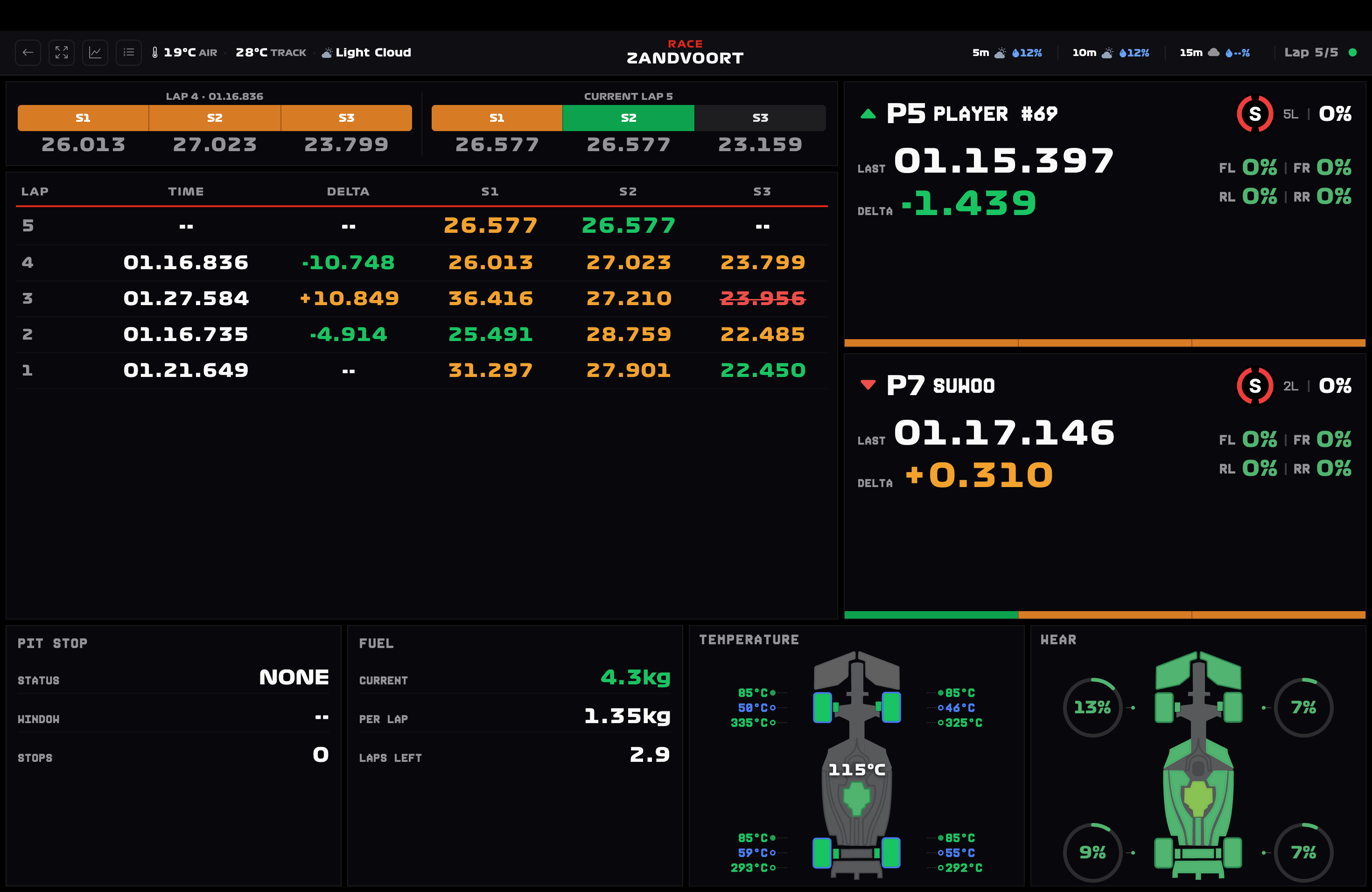
Live Race Dashboard
X-Ray rival intel showing exact tire wear % and ERS % of drivers ahead and behind you. Know exactly when they are vulnerable to time your overtakes.
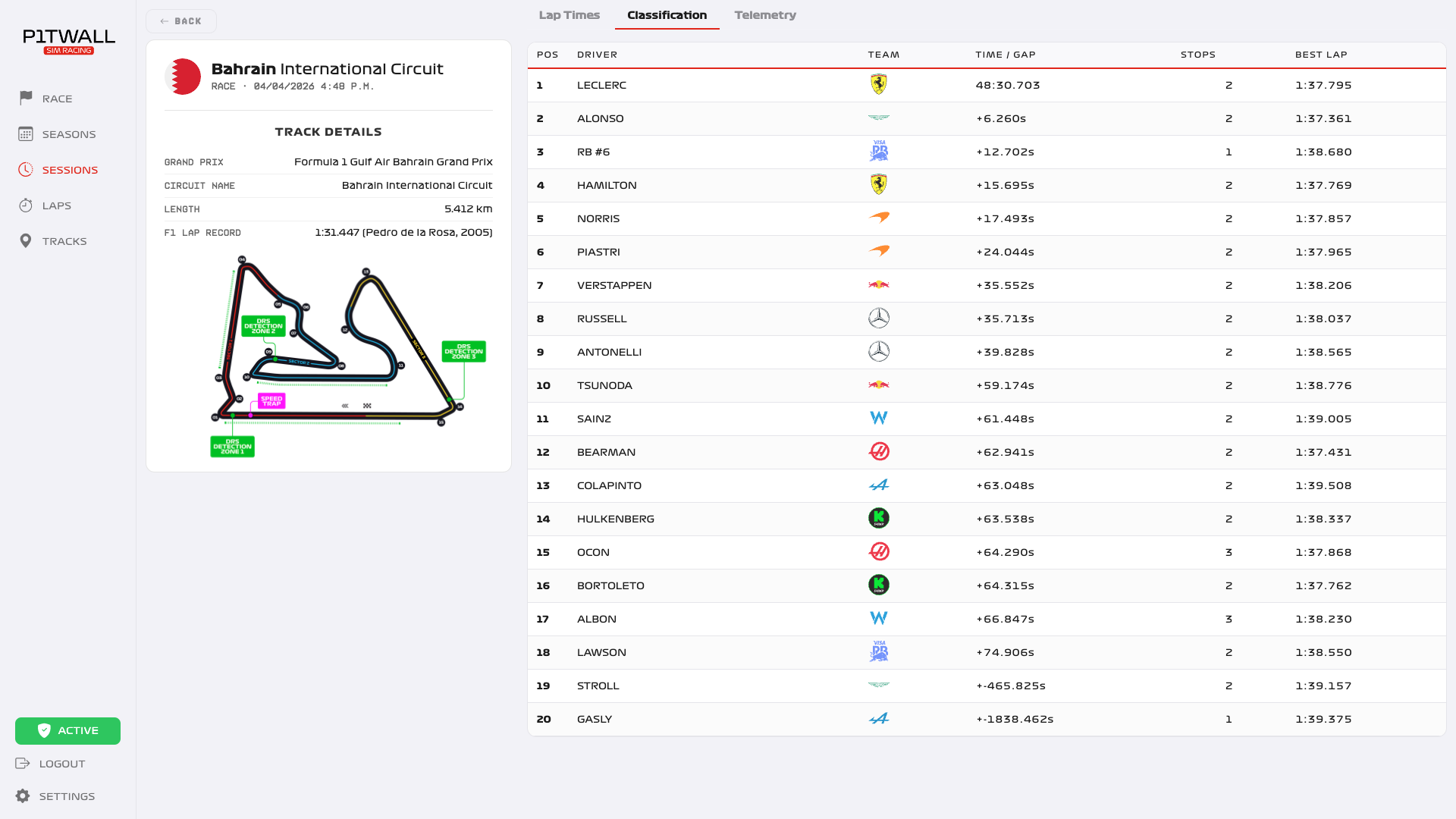
Classification Tracking
Keep track of every position change in real-time. Monitor pit stops and intervals.
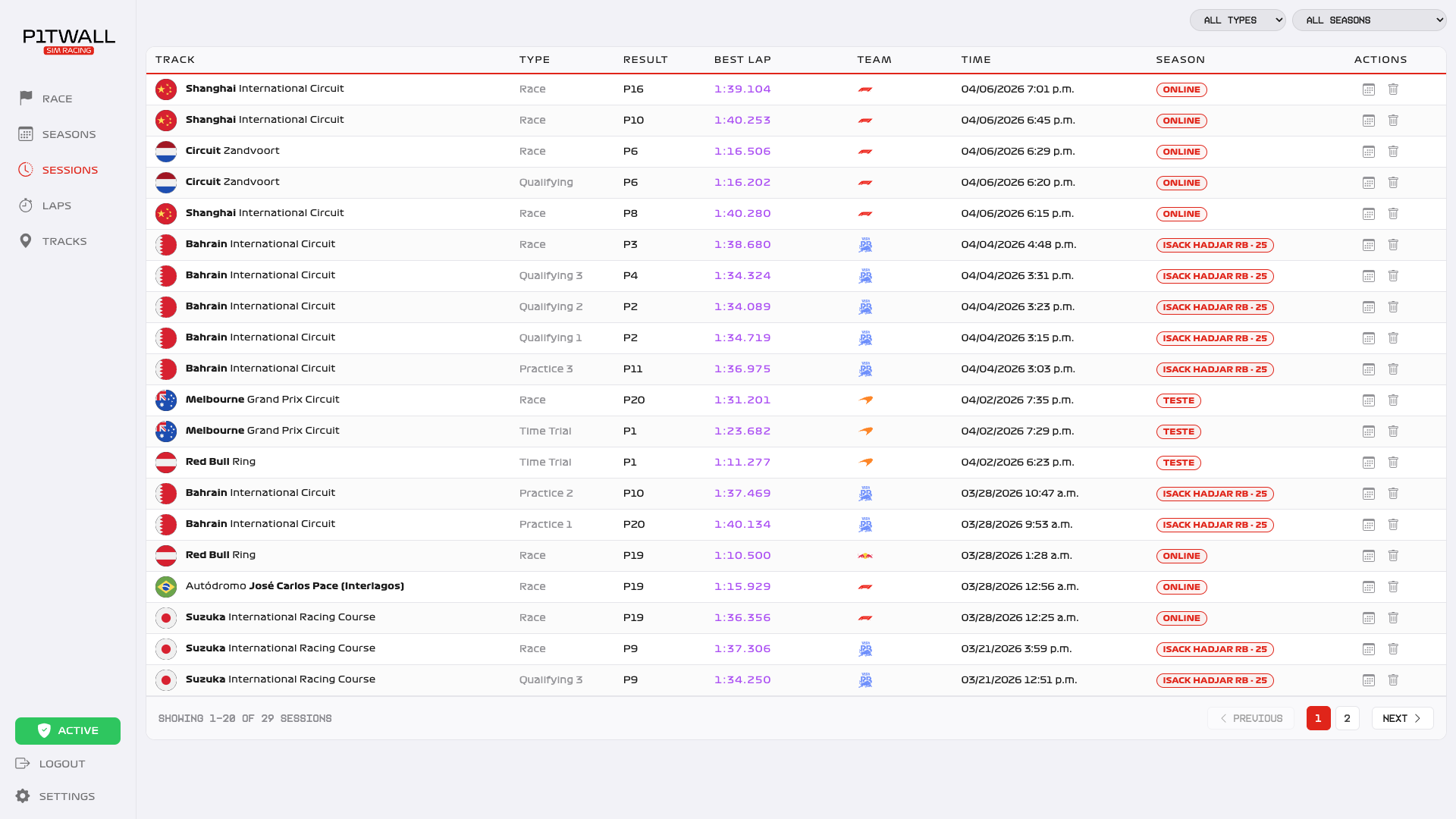
Session Insights
Complete overview of your current session progress and standing.
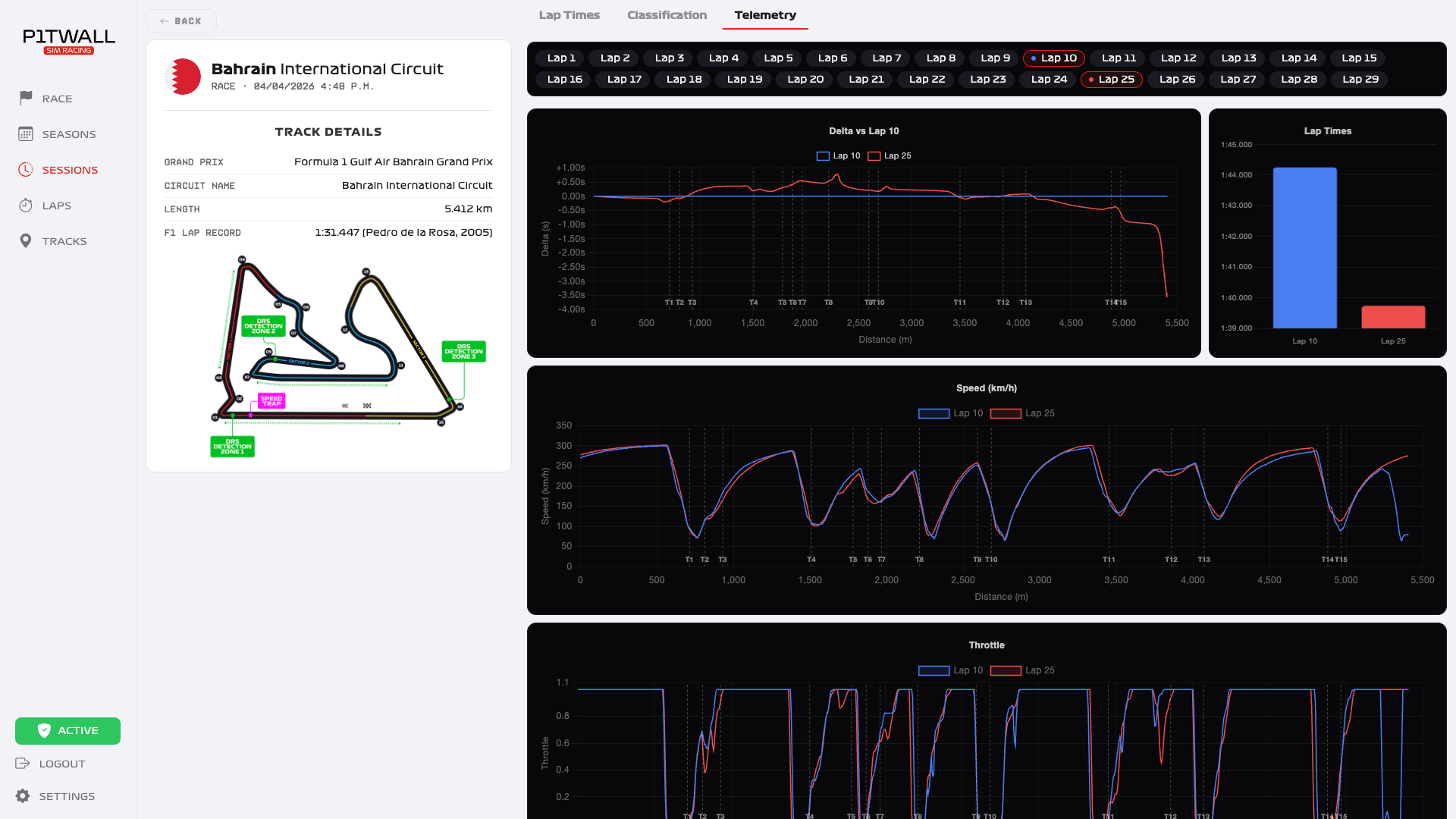
Telemetry Overlay
Superimpose up to 10 laps to mathematically locate your missing tenths with precise speed and delta curves.
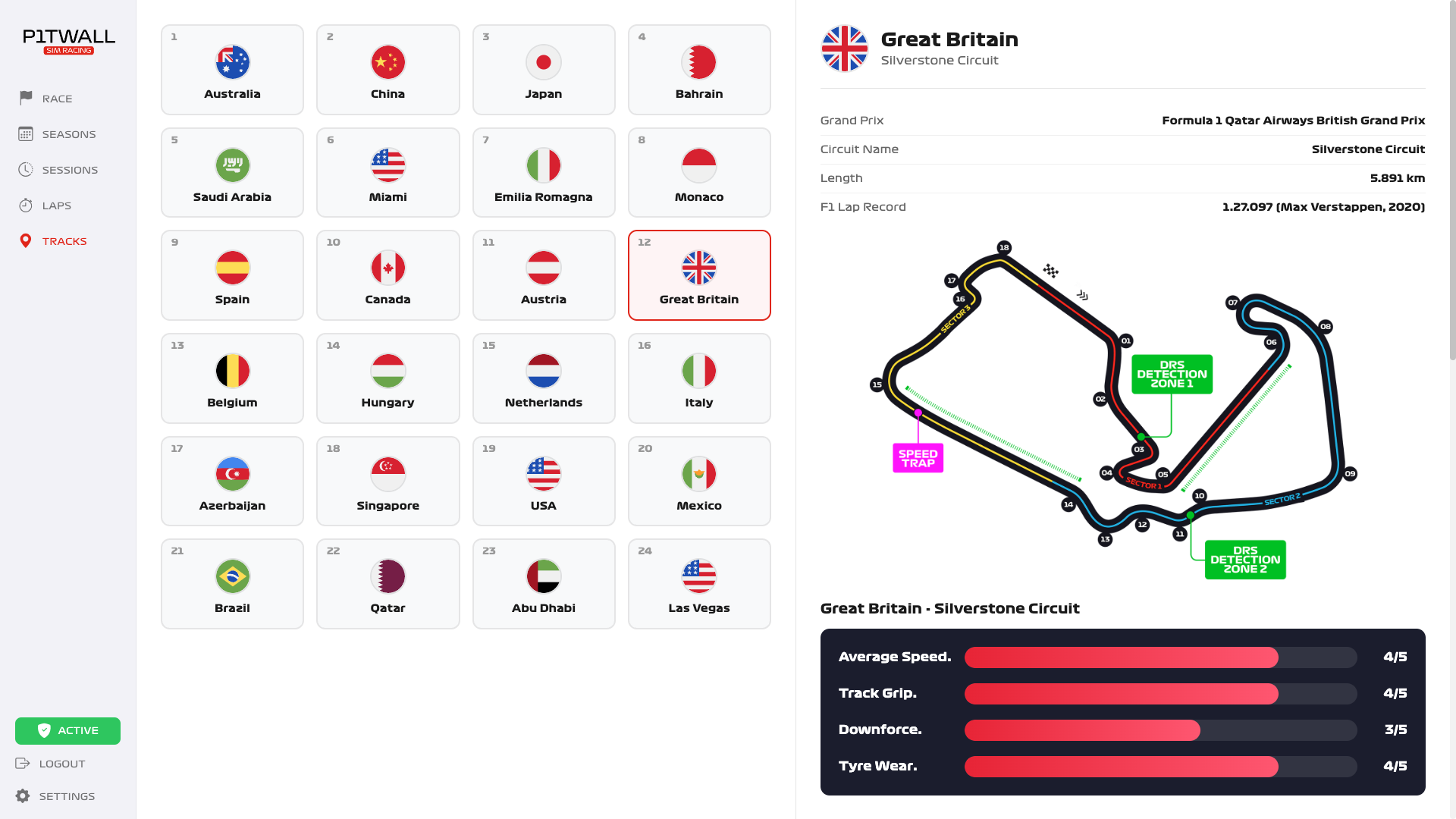
Track Intel Database
Built-in encyclopedia for all 24 calendar tracks with baseline setup tips and pit stop deltas.
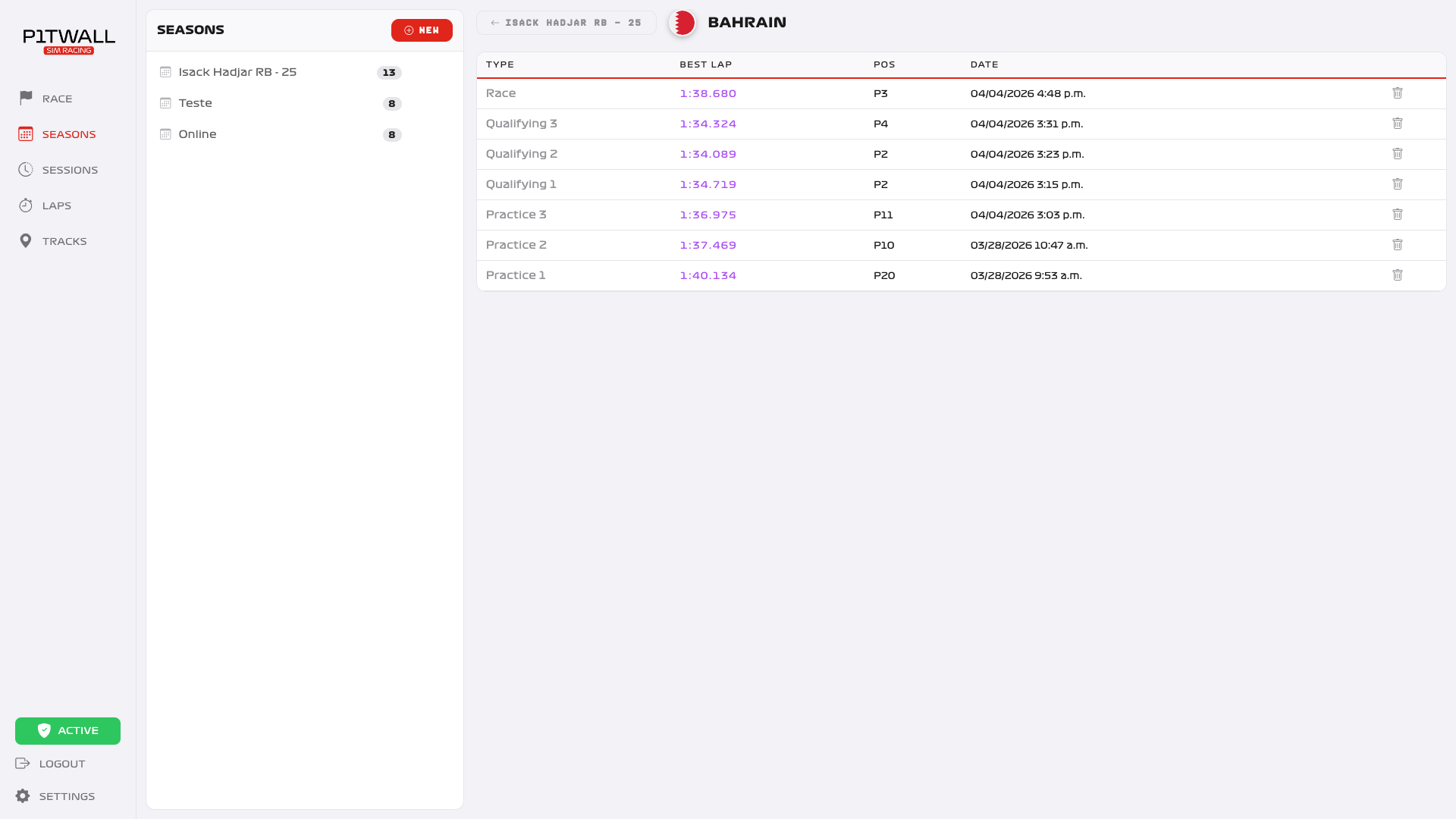
Season History
Store every race, every lap. Build your legacy across multiple seasons.
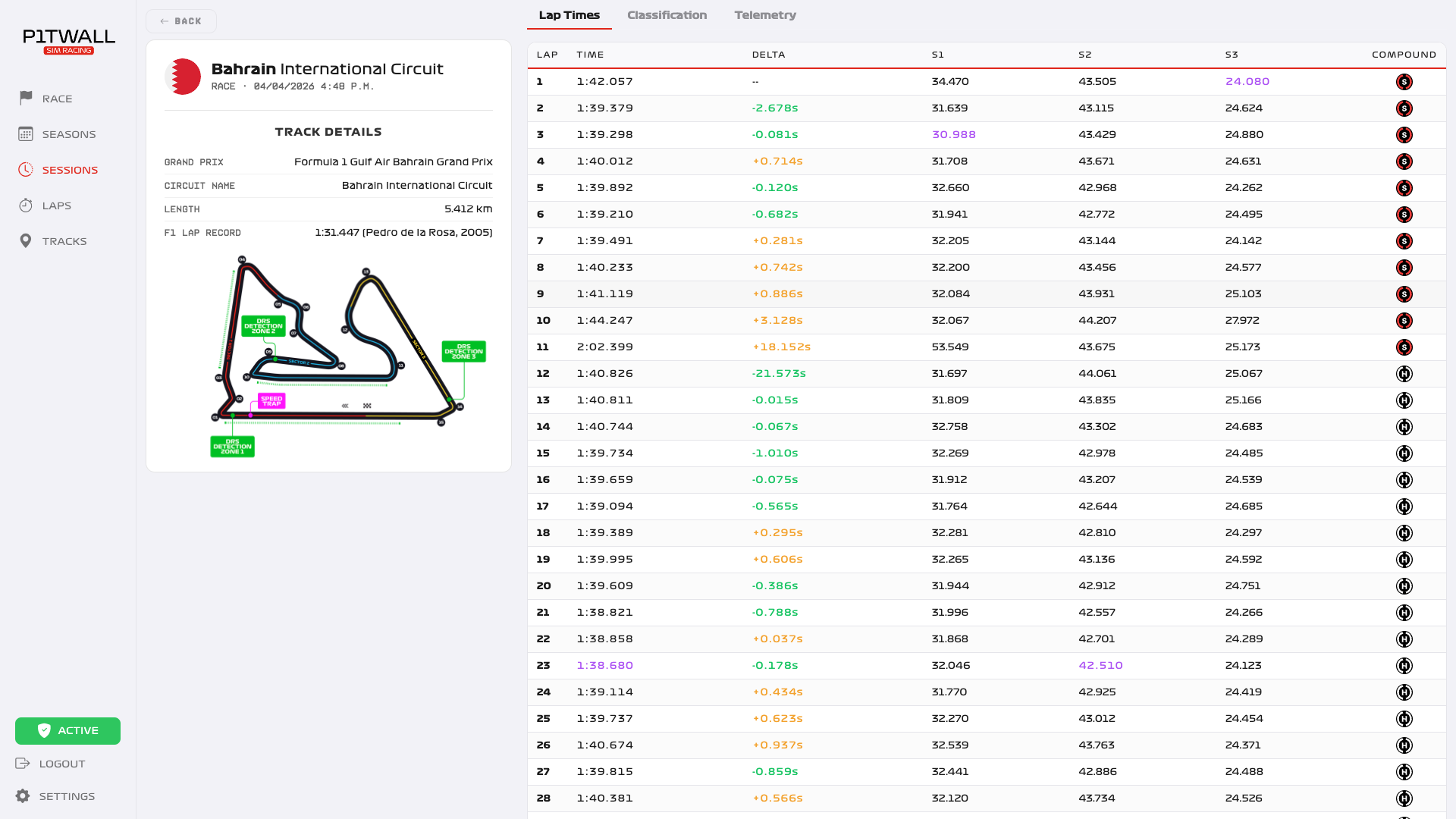
Lap Time Analysis
Detailed breakdown of sector times and consistency analysis.
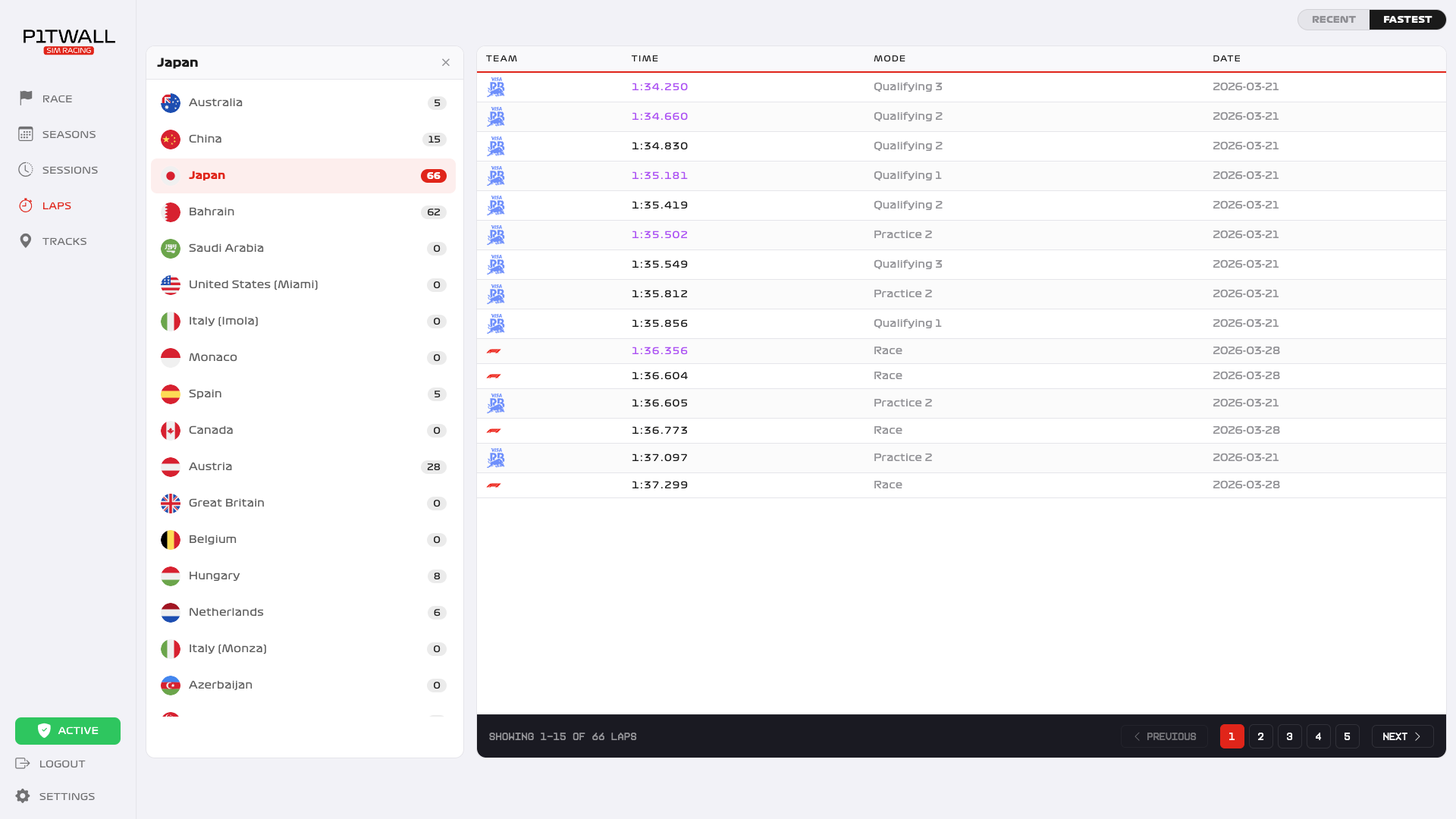
Engineer's Notebook
Every lap auto-saves your car setup and tire degradation data for future reference.
Race-Ready in 5 Minutes
No PC cable hacking, no router scripts. Pure native console UDP integration.
Download & Install
Get the Pit Wall Tracker app on your computer (Mac or Windows) connected to the same WiFi network.
Enable UDP on Console
In F1 24/25 on your Xbox or PS, go to Telemetry Settings. Turn UDP ON and enter the IP address given by our app.
Start Racing
Jump to the track. Pit Wall automatically detects the session and records everything in the background.
Frequently Asked Questions
Everything you need to know about Pit Wall Sim Racing.
Ready to take the Checkered Flag?
Join thousands of league racers using Pit Wall to dominate the grid. Start your journey to the podium today.
Get Started- Native Console Integration
- Real-time Data Sync
- AI-Powered Analysis
- Unlimited Lap History
- Direct UDP Tracking